Testing & release
The Play Store release tracks (internal, closed, open testing, production) and the testing required before production for new accounts.
When you create a version in Releasely (the Versions step), you choose the release track and upload your build: Releasely creates the version and uploads the App Bundle to the chosen track. Rollout monitoring (rollout percentage, promoting from one track to another) stays on the Play Console side.
Release tracks
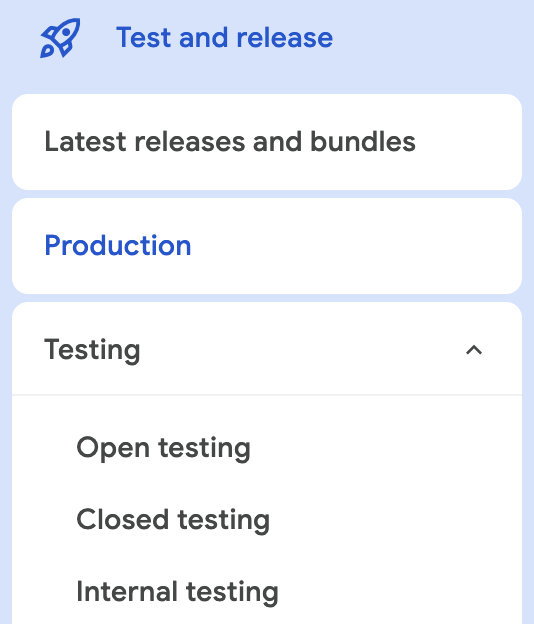
Four tracks exist, from most restricted to widest (you pick one in Releasely; they show up in the Play Console under Test and release):
- Internal testing — the fastest, for a small list of trusted testers. Available within seconds. Great for a first try.
- Closed testing — a group you invite (email lists / Google Groups). Used to fix issues and check compliance. Required before applying for production.
- Open testing — a public beta visible on the Play Store; available once you have production access.
- Production — the full public release to all users.
Testing required before production
Individual accounts created after November 13, 2023
You must run a closed test with at least 12 testers, opted in continuously for at least 14 days, before you can apply for production access. The 14 days must be consecutive for each tester. (Some articles still mention 20 testers: the current official number is 12.)
Concretely, for a new Individual account:
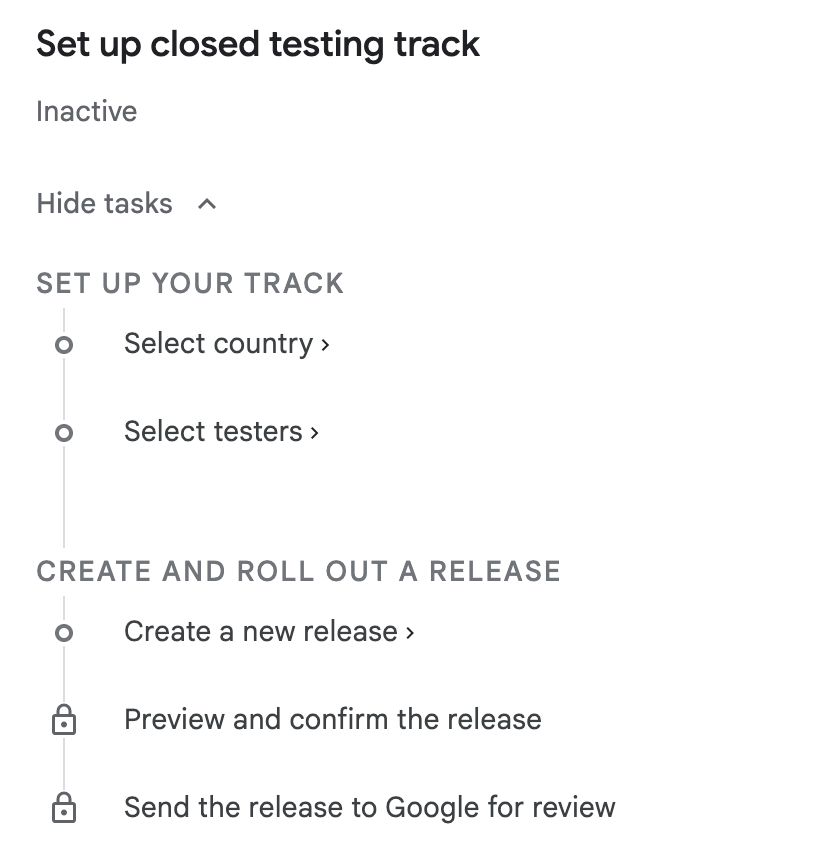
Publish to closed testing
Release a version to the Closed testing track and invite your testers (at least 12).
Wait 14 days
Your testers must stay opted in for at least 14 consecutive days.
Apply for production access
Once the condition is met, submit the production access request. Google reviews and usually replies within 7 days.
Exempt accounts
Organization accounts and Individual accounts created before November 13, 2023 are not subject to this requirement and can publish straight to production.
Translating your subscriptions (Google Play)
Localize the name, description and benefits of your subscriptions and in-app products in the Play Console, with character limits and fallback behavior.
Upload your app
Upload your source code as a .zip — Releasely builds it for you — or a ready-made binary. The rules shared by every framework.