App Store metadata & settings
Understand each field of your App Store listing and complete the settings you must fill yourself in App Store Connect (age rating, content rights, privacy…).
Releasely pushes your listing's text content (name, description, keywords…) and your visuals (screenshots) for you. But App Store Connect also requires settings Apple doesn't open to automation: you fill them yourself, once, directly in App Store Connect. This page explains each field and walks through those manual settings.
Where this happens
Everything lives in App Store Connect → Apps → your app. The settings below are at the app level (apply to all versions) unless noted otherwise.
What Releasely handles for you
You edit these in Releasely, which then sends them to App Store Connect:
- the app name and subtitle;
- the category (primary and secondary);
- the description, keywords, promotional text;
- the support, marketing and privacy policy URLs;
- the screenshots (via the visuals editor).
The rest of this page is about what you do yourself in App Store Connect.
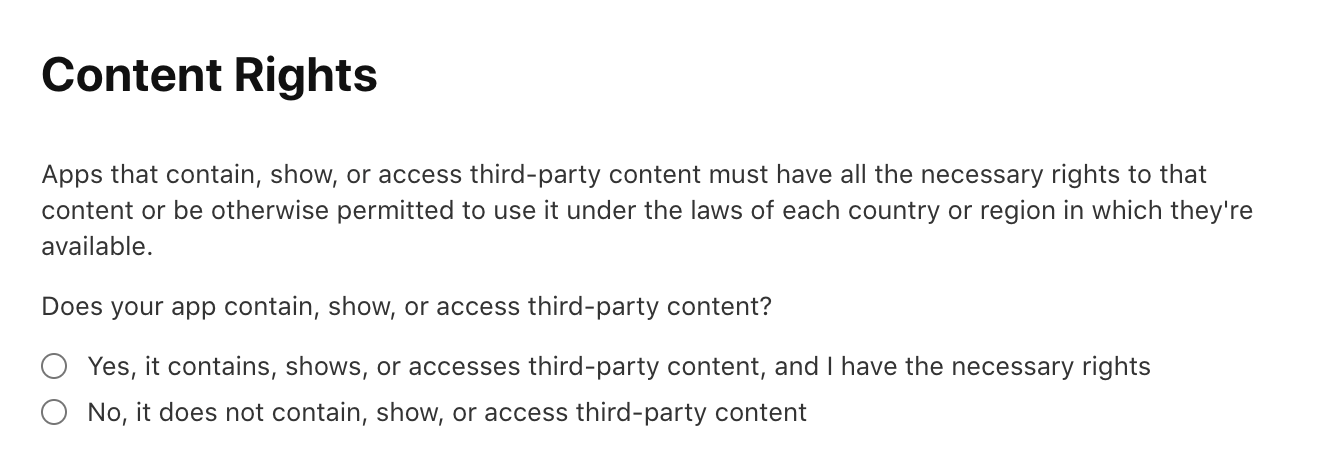
Content Rights
Declare whether your app contains, shows, or accesses third-party content. If it does, you confirm you have the rights needed to use it.
Choose "Yes" if your app uses, for example: images or photos, music or sounds, videos, fonts, logos or trademarks, characters or artwork, or text you didn't write. Choose "No" if all the content is your own or royalty-free.
Age Rating
Apple determines your app's age band from a questionnaire, in the App Information section. The bands are 4+, 9+, 13+, 16+ and 18+.
You answer questions about the presence and frequency of sensitive content (violence, sexual content, profanity, gambling…) and modules covering in-app controls, capabilities, medical/health topics, and violence. Account for content that third parties or AI assistants / chatbots might display in your app.
Apple computes the band automatically from your answers. You can also set a higher band if you wish.
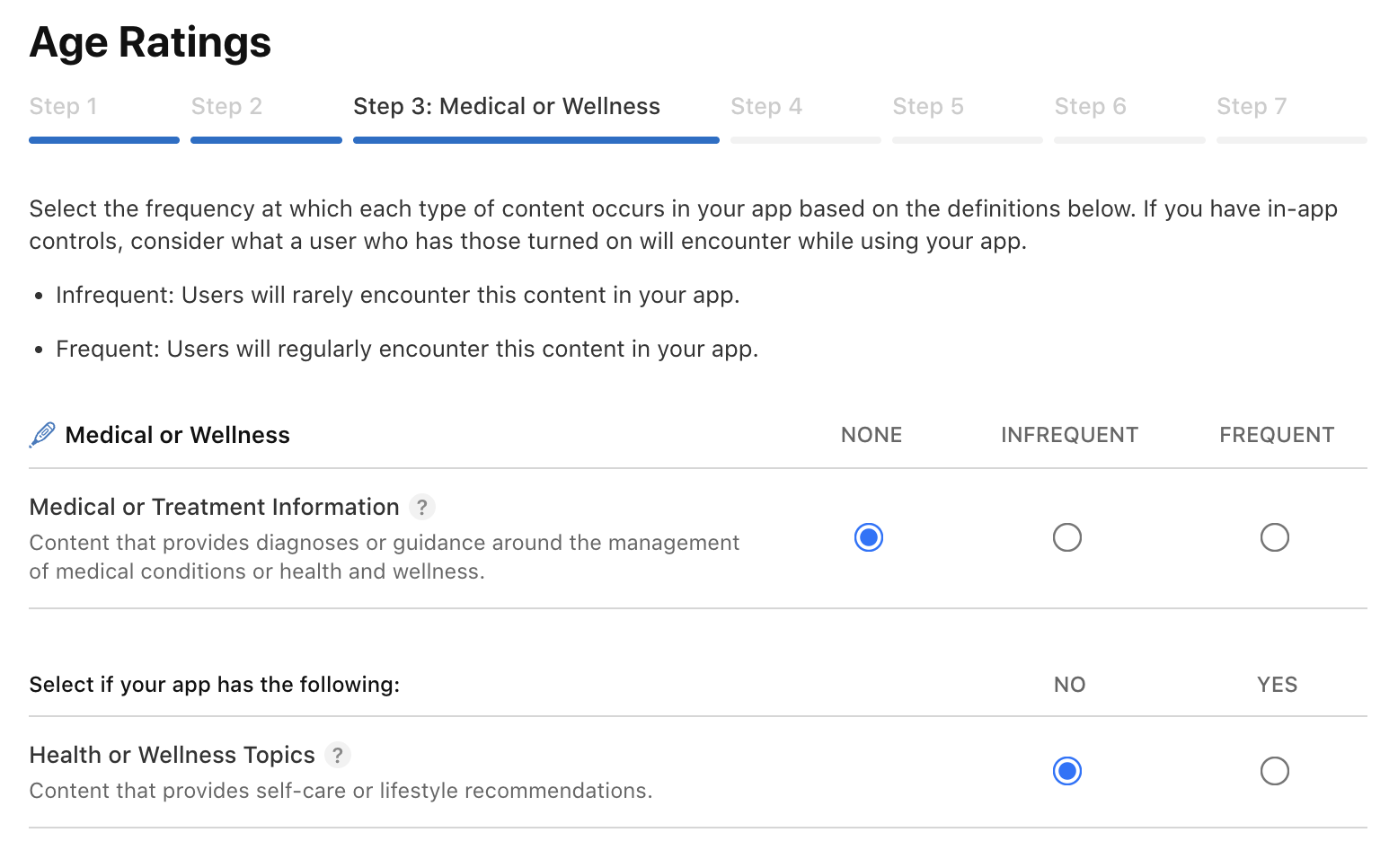
Required since January 31, 2026
Answering the updated questionnaire is required to submit your app and its updates. Without answers, submission is blocked.
App Privacy
This is the privacy label shown on your App Store listing. It is required before any submission.
The first question is: "Do you or your third-party partners collect data from this app?"
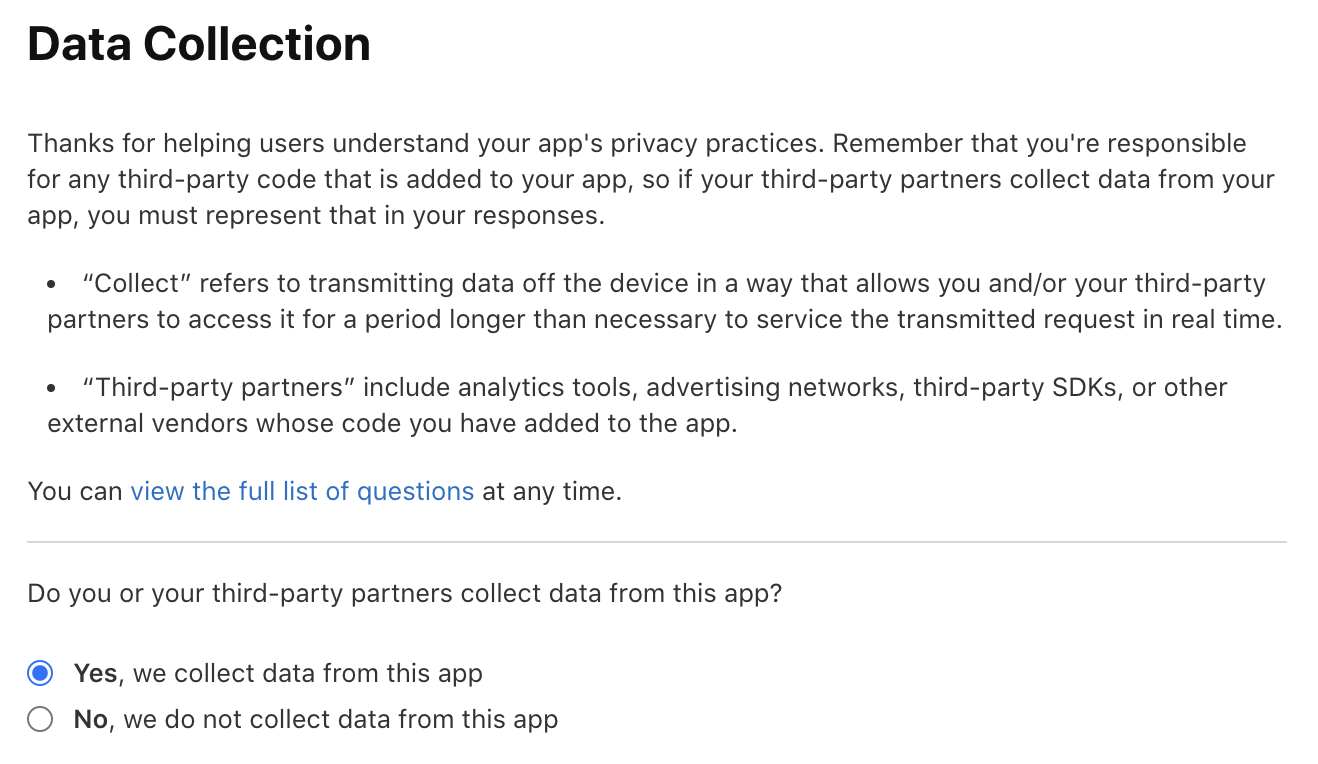
For a modern app, it's almost always "Yes"
Even a simple app almost always collects data through third-party components: analytics, crash reporting, advertising, authentication… So the honest answer is usually "Yes". Only answer "No" if you're certain no tool collects anything.
After answering "Yes", you select the data types collected (identifiers, contacts, location, usage data…). Then, for each selected type, you fill in a more detailed questionnaire (the "Set Up…" button) describing how it's used.
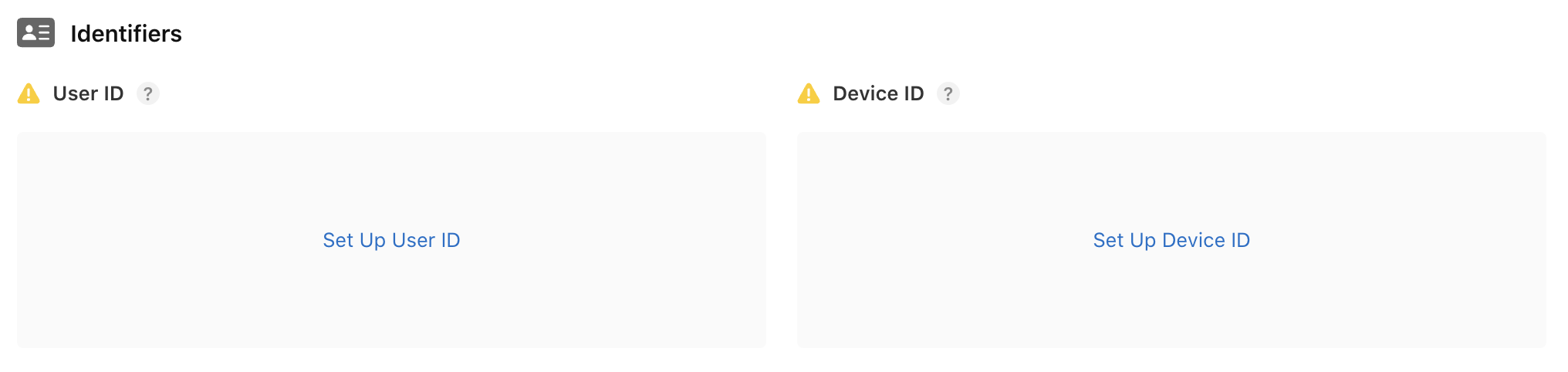
This detailed questionnaire asks, for each data point:
- the purpose of collection (third-party advertising, marketing, analytics, personalization, app functionality, other);
- whether the data is linked to the user's identity;
- whether it is used for tracking.
Pricing and Availability
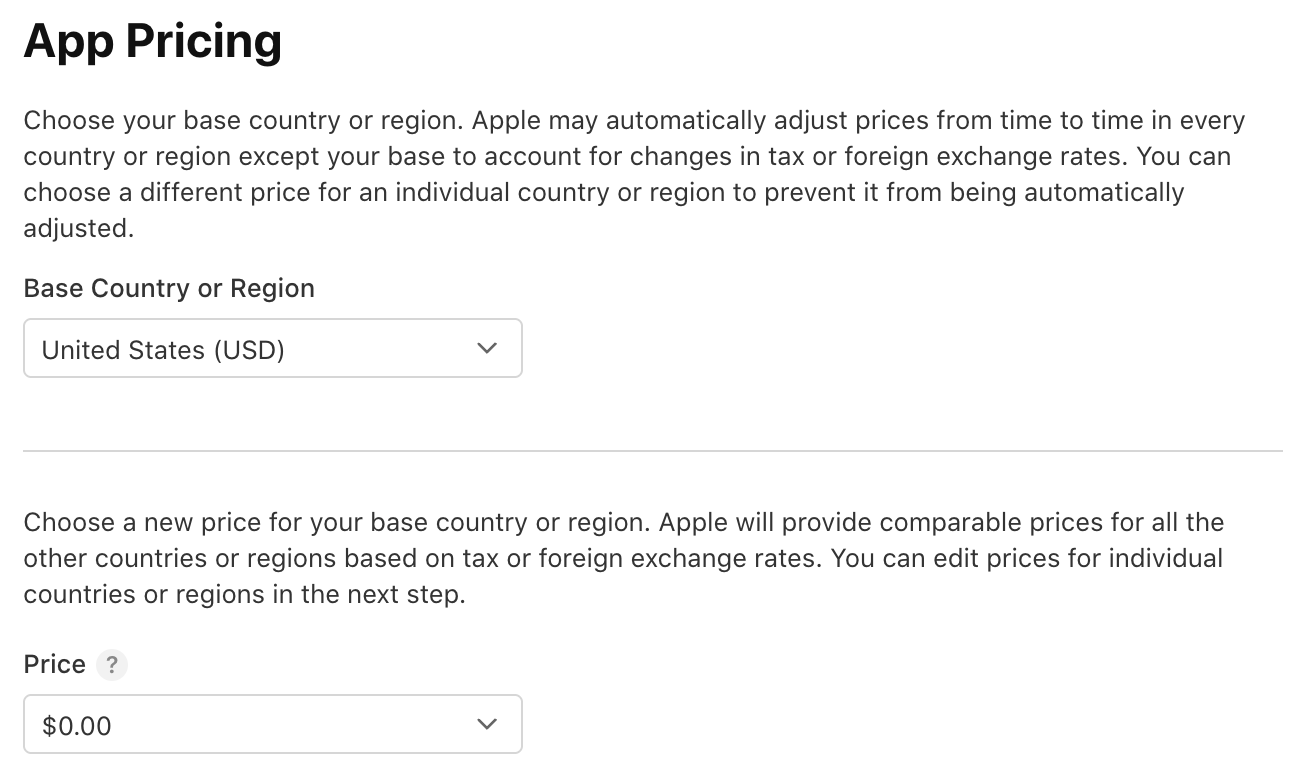
App Pricing — choose a base country or region (its currency is the baseline), then the
price: $0.00 for a free app, or a price tier offered by Apple. Apple then automatically
computes equivalent prices in other countries.
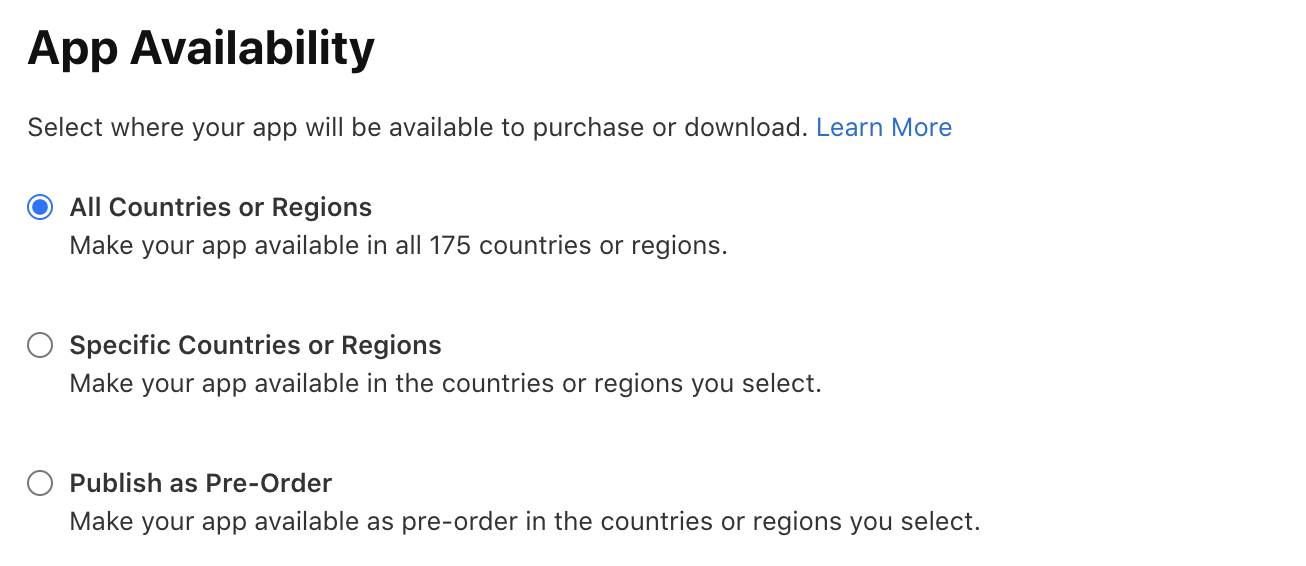
App Availability — choose where your app is offered:
- All Countries or Regions — in all countries (175).
- Specific Countries or Regions — only the ones you select.
- Publish as Pre-Order — as a pre-order in the countries you choose.
Version-level settings
The settings on this page apply to the whole app. Others, tied to a specific version (review information, encryption declaration), are set when you submit — see Version submission.
Configure and publish in Releasely
What Releasely is for, what it concretely configures, and the launch checklist to follow to publish your app.
Translating your subscriptions (App Store)
Localize the name and description of your subscriptions and subscription groups in App Store Connect, with character limits, fallback behavior and Apple's review rules.